A Flameborn workshop field guide
Enshrouded building & adventure guides
Build a useful home, organize its materials, manage water and share what you create. Follow the guides by the task you want to finish, with version details on each page.
Start with a usable workshop
Build, then improve
The hammer, the blocks and the room
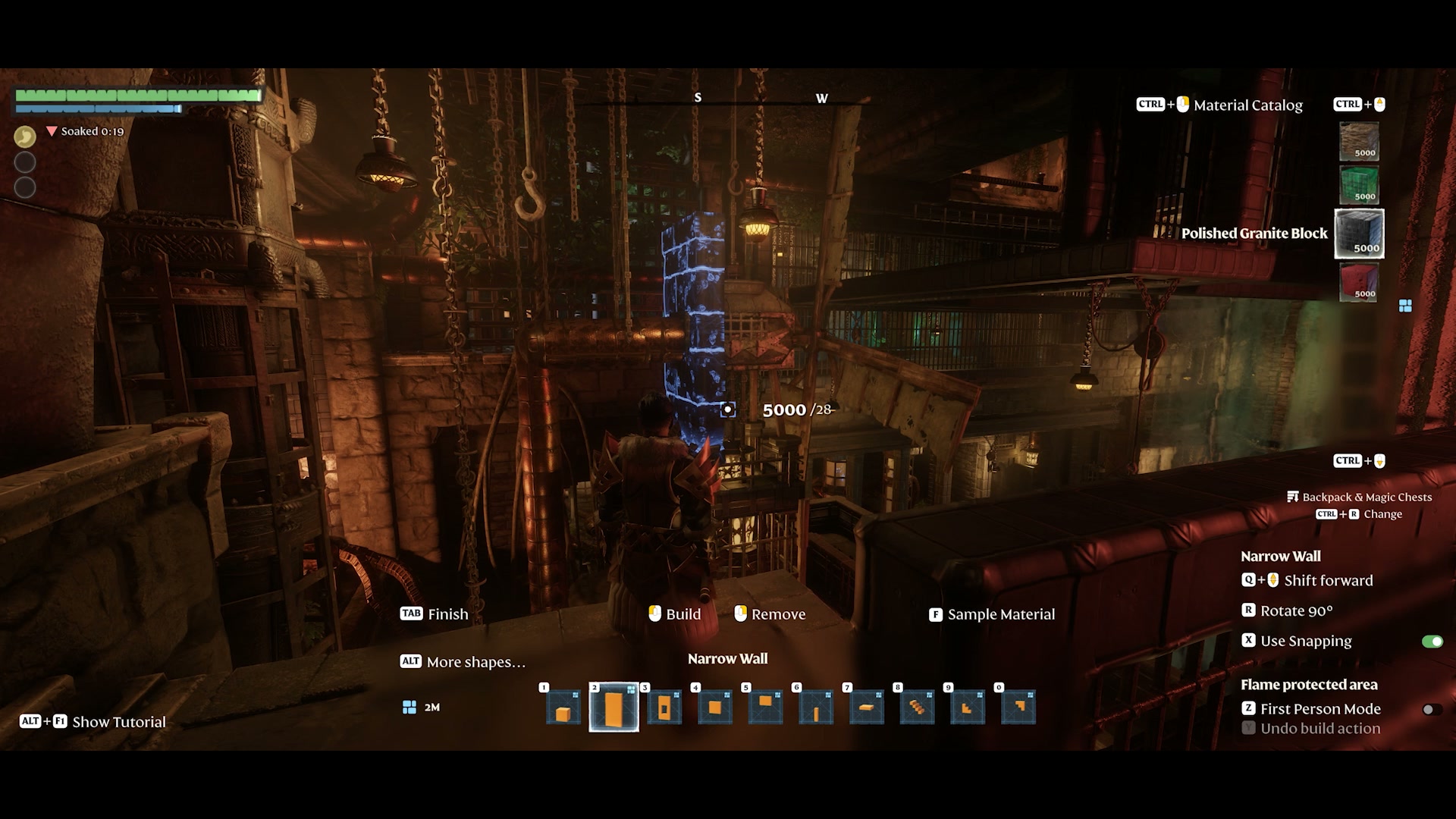
Get the Construction Hammer, choose a building material and give your workshop a roof. A usable shell comes before a complicated production layout.
Get the tool and select materialsA practical path from base to shared world
- 01 · Protect & buildCheck altar coverage
Get the hammer and a starter block set, then finish the roof.
- 02 · Produce & storeSet up material storage
Use the Kiln or Table Saw for processed materials and Quick Stack for deposits.
- 03 · Manage waterSupply the workshop
Separate crafting water from a decorative pool and keep a drainage plan.
- 04 · Share & exploreUpload your world
Prepare Camera previews and an arrival point, or tour another player’s creation.
Build a protected, usable base
- Expand your altar’s building range
Choose the local altar upgrade for more building space, including height and depth.
- Plan a safer altar move
Check replacement coverage before removing the altar that protects your work.
- Get the hammer and select materials
Make the tool, separate raw ingredients from building blocks, and use the Material Catalog.
- Roof the workshop and check shelter
Use roof materials for the roof, then verify shelter for resting and workshop recipes.
- Create a reliable rest spot
Separate the stamina buff from its duration, and improve the rest spot by category.
Make materials and organize storage
- Make a starter block set
Make a usable wall/floor material and a separate roof material at the Workbench.
- Understand building-block unlocks
Check the required acquisition instead of assuming a biome visit unlocks every block.
- Set up Fired Brick production
Follow the Kiln-to-Workbench chain and keep brick material separate from brick blocks.
- Set up Wood Plank production
Unlock the saw workshop and produce planks instead of confusing them with wood blocks.
- Craft a Magic Chest
Create base crafting storage and select its building materials directly.
- Sort with a Quick Stack Station
Deposit matching backpack items into nearby Magic Chests instead of sorting one chest at a time.
Control water and keep production supplied
- Control water with dispensers and barriers
Choose a generator and a deliberate barrier before filling a protected base area.
- Recover from a flooded base
Stop the cause before clearing water; use drains for routine contact drainage.
- Supply crafting water
Supply the factory’s storage without building an unnecessary decorative lake.
Share worlds and study adventure mechanisms
World sharing and visiting use the released Update 8 rules. The four Sparkworks circuits are illustrated references to Keen Games’ October 8 prerelease showcase, not from-zero construction tutorials.
- Upload your world
Prepare a visitor starting point and Camera images, then create an upload in My Uploads.
- Visit player-made worlds
Find an uploaded world, choose solo or hosted visiting, and understand the sightseeing mode.
- Spike-trap hallway
A timed pressure plate, alternating spike groups and a door with its own shorter Hold.
- Two-button door control
Two inputs must both be ON. AND enables doors and lights; NOT disables the trap branch.
- Trapdoor bridge
Trace the start/end controls, a 3-second Clock and the output groups without losing the stop branch.
- Water puzzle
An independent lever opens the first door; the inner button changes the exit, drain and dispenser branches.